
01
Bring in every card
Select the cards from your shoot. Smart Import copies and organises the photos together.
SMART IMPORT + PHOTOBOT
After a busy shoot, connect your camera cards and start once. Smart Import gathers the photos. PhotoBot can automatically adjust exposure and white balance, so your Lightroom catalog is ready for your creative edit.
PhotoBot is available for Windows and Mac with a two-month free trial. Paid pricing is coming soon. Smart Import is free.
FROM CARDS TO YOUR EDIT
01
Select the cards from your shoot. Smart Import copies and organises the photos together.
02
Your photos are organised and brought into a Lightroom Classic catalog.
03
PhotoBot automatically adjusts exposure and white balance. You can also choose to straighten photos.
04
Choose previews, and Hootio builds both Standard and Smart Previews before you open the Lightroom catalog. Browse smoothly and spend less time waiting as you edit.
Smart Develop results
See how PhotoBot gives exposure and white balance a first pass across 18 real photos. You can also choose to straighten a photo when its angle needs adjusting. Then make the final look your own.
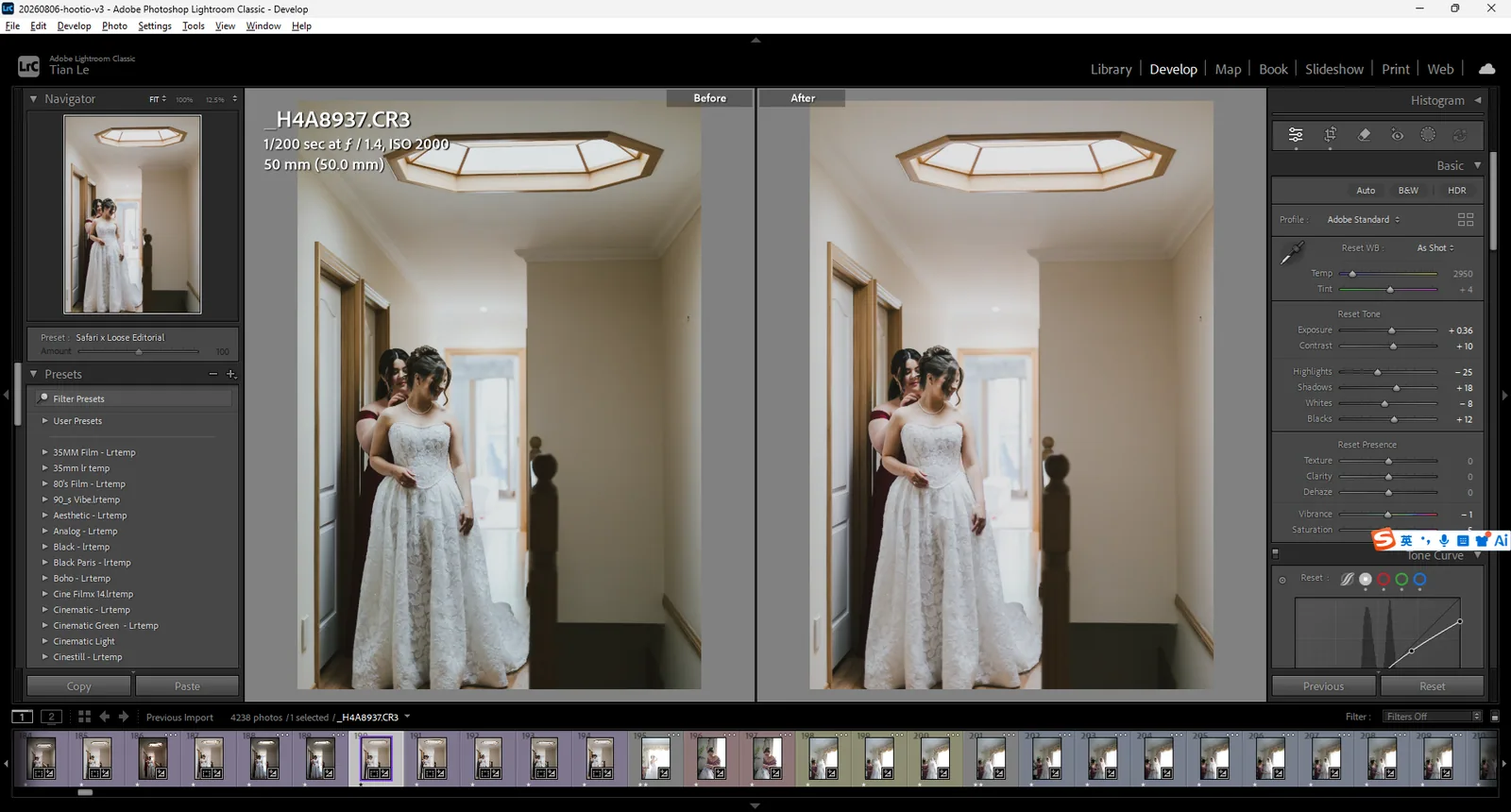
Lightroom Develop values shown
Before on the left. PhotoBot's first pass on the right.
Choose a photo to see its full Before / After view.