
Automatic Chapters
A long wedding or event broken into smaller sections that are easier to understand and edit.
HOW VIDEOBOT WORKS · FOR VIDEOGRAPHERS
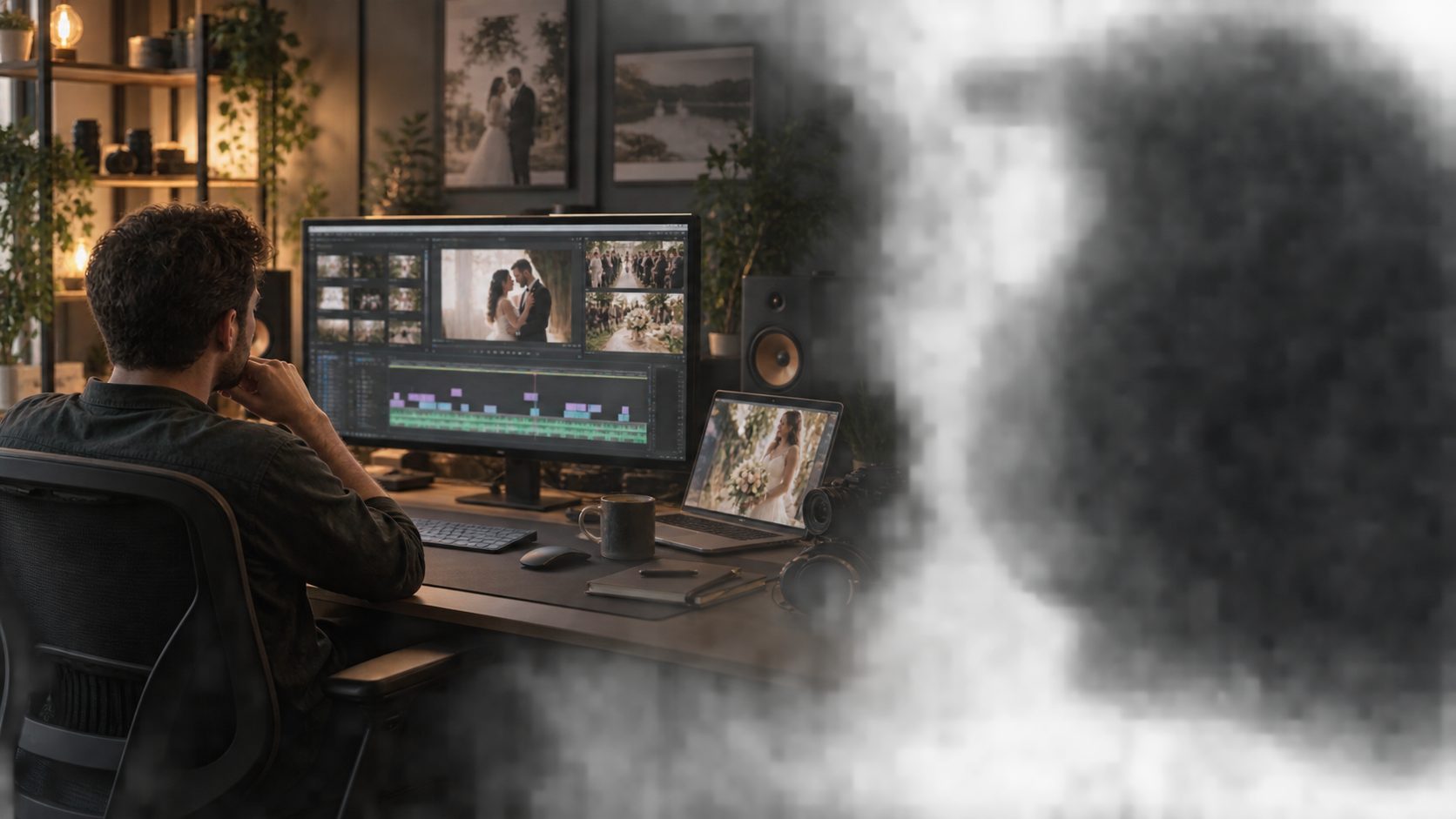
Take your recorded wedding footage from camera and audio sync to an editable first cut. VideoBot organises chapters and events, designs your Highlight Story and edits long-form multicamera video. Review the results, then finish your film in Adobe Premiere Pro or DaVinci Resolve.
PRESS START ONCE
Choose the video project, press Start and move on. VideoBot handles each stage in order, then gives you editable timelines ready for your review and creative finish.
WHAT HAPPENS AUTOMATICALLY
There are no separate tools to start and no repeated decisions between stages. VideoBot moves through the whole process for you.
VideoBot prepares lighter versions of the footage so the project is faster and smoother to review and edit.
Every camera and separate recorder is brought together automatically, without building the project by hand.
The ceremony, speeches, reception and other parts of the day become clear, manageable sections.
The important parts of the day are recognised and labelled, so you can find what matters without hunting through footage.
Meaningful spoken moments and matching footage become a plan for the highlight film, exported as a PDF and editable timeline files.
VideoBot makes the first edit of full ceremonies, speeches and long wedding or event films, including camera choices throughout, so you begin with something real to review.
VideoBot can generate editable timelines. Open them in Adobe Premiere Pro or DaVinci Resolve and adjust every story, pacing, music, colour and finishing choice.
WHAT YOU GET
A long wedding or event broken into smaller sections that are easier to understand and edit.
Important parts of the day recognised and labelled, so you spend less time hunting through footage.
A story plan for your highlight film, exported as a PDF and editable timeline files for your creative finish.
Full ceremonies, speeches and long wedding or event films receive a first edit, with intelligent camera choices throughout.
Prepared timelines you can open in Adobe Premiere Pro or DaVinci Resolve, with every creative choice still yours.
A smoother project that is easier to review and edit, even when the original footage is demanding.
VIDEOBOT HELPS WITH
YOU CONTROL
KEEP THE EDITOR YOU ALREADY KNOW
Continue in Adobe Premiere Pro or DaVinci Resolve with every creative choice still yours. VideoBot gives you a prepared starting point—it does not decide the final story.
Your starting point